
Edits
AI photo edits, one page per job
Every edit here runs in the same editor: you upload a photo and say what should change. Each page covers one common job in depth, with real before-and-after runs, what the models handle well and where they struggle.
Updated
Change the background of a photo
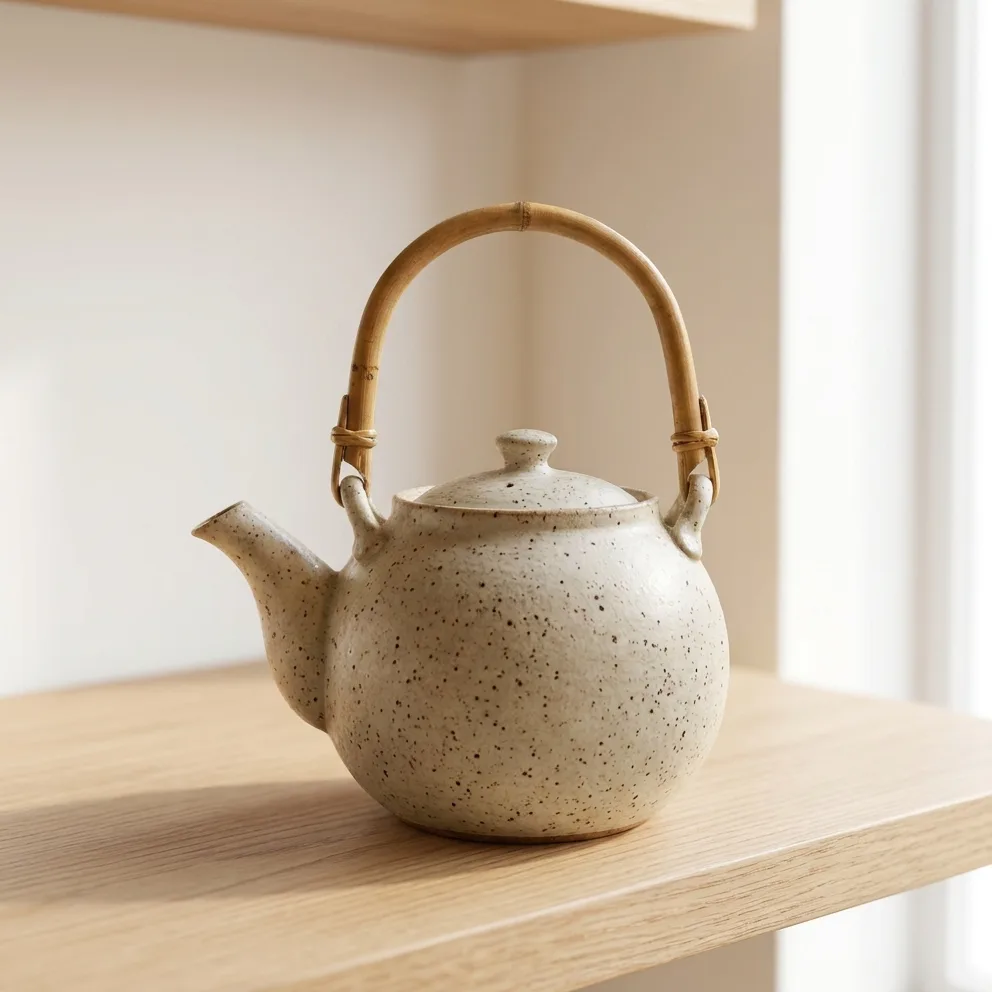
To change the background of a photo, upload it, tap New background and describe where the subject should be: a sunny beach, a plain studio wall, a café terrace. An AI background changer then repaints everything behind the subject and adjusts the light and shadows so it looks like it was shot there, while the person or product itself is kept.
Open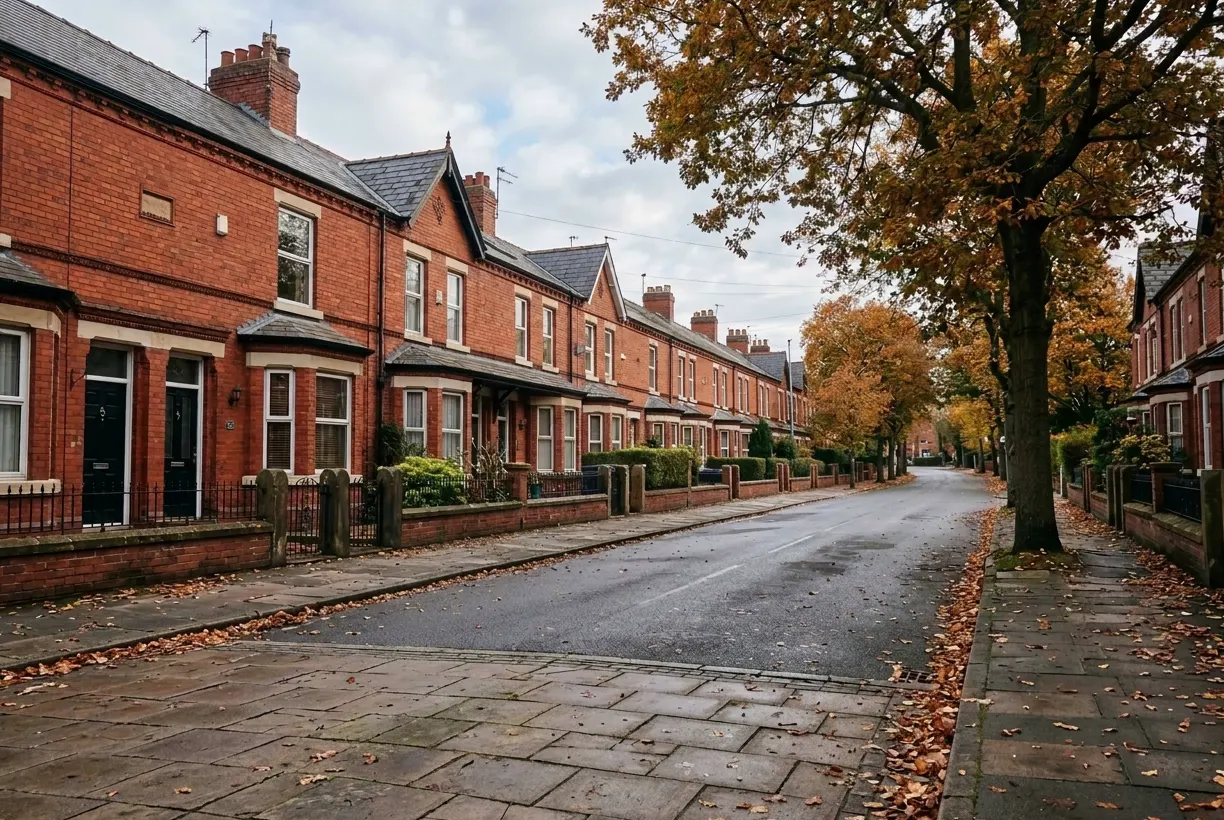
Remove an object from a photo
To remove an object from a photo, upload it, tap Remove an object and name what should go, such as "the orange cone on the pavement". The AI finds it, paints it out and fills the gap with background that fits. There is no brush or mask: words do the selecting. Removing a person from a photo works the same way with Remove people.
Open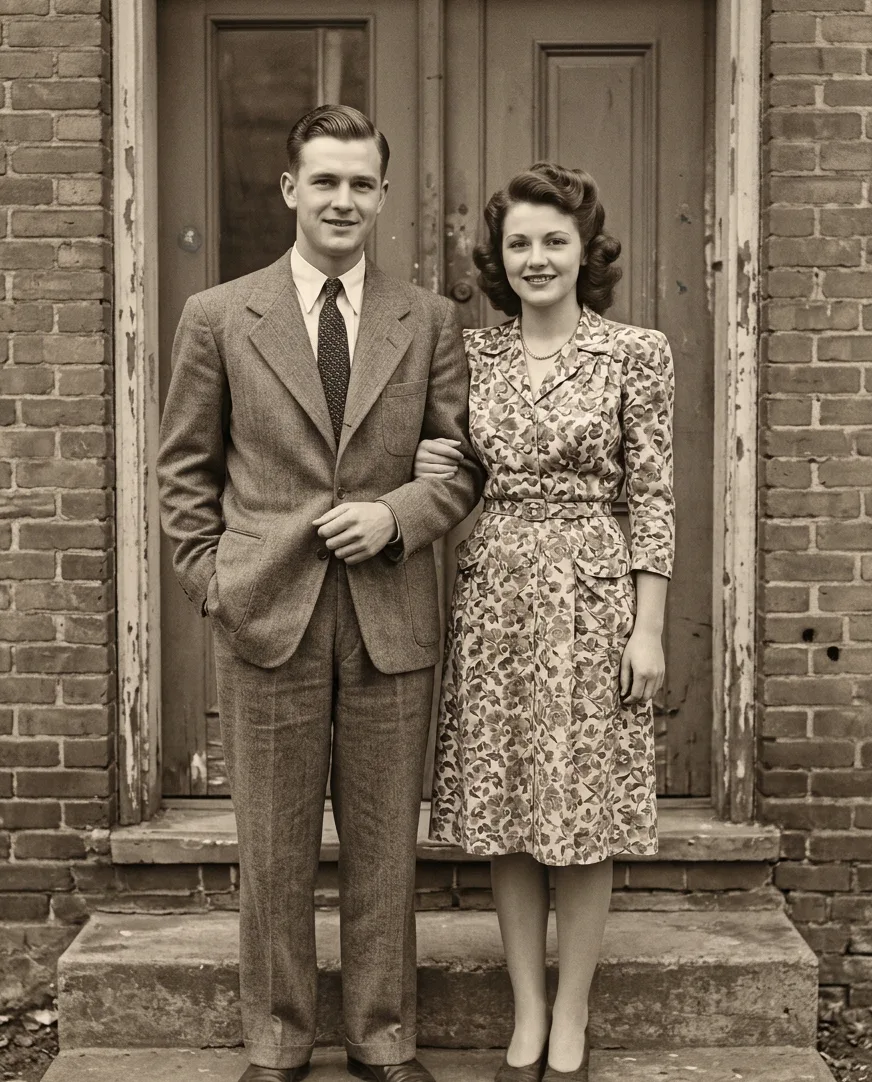
Restore old photos with AI
For old photo restoration, scan or photograph the print, upload it and tap Restore old photo. The AI repairs scratches, creases, dust and stains, recovers faded contrast and sharpens soft detail, while keeping the people and the scene as they were. A second pass with Colorize adds natural colour to black-and-white photos if you want it.
Open